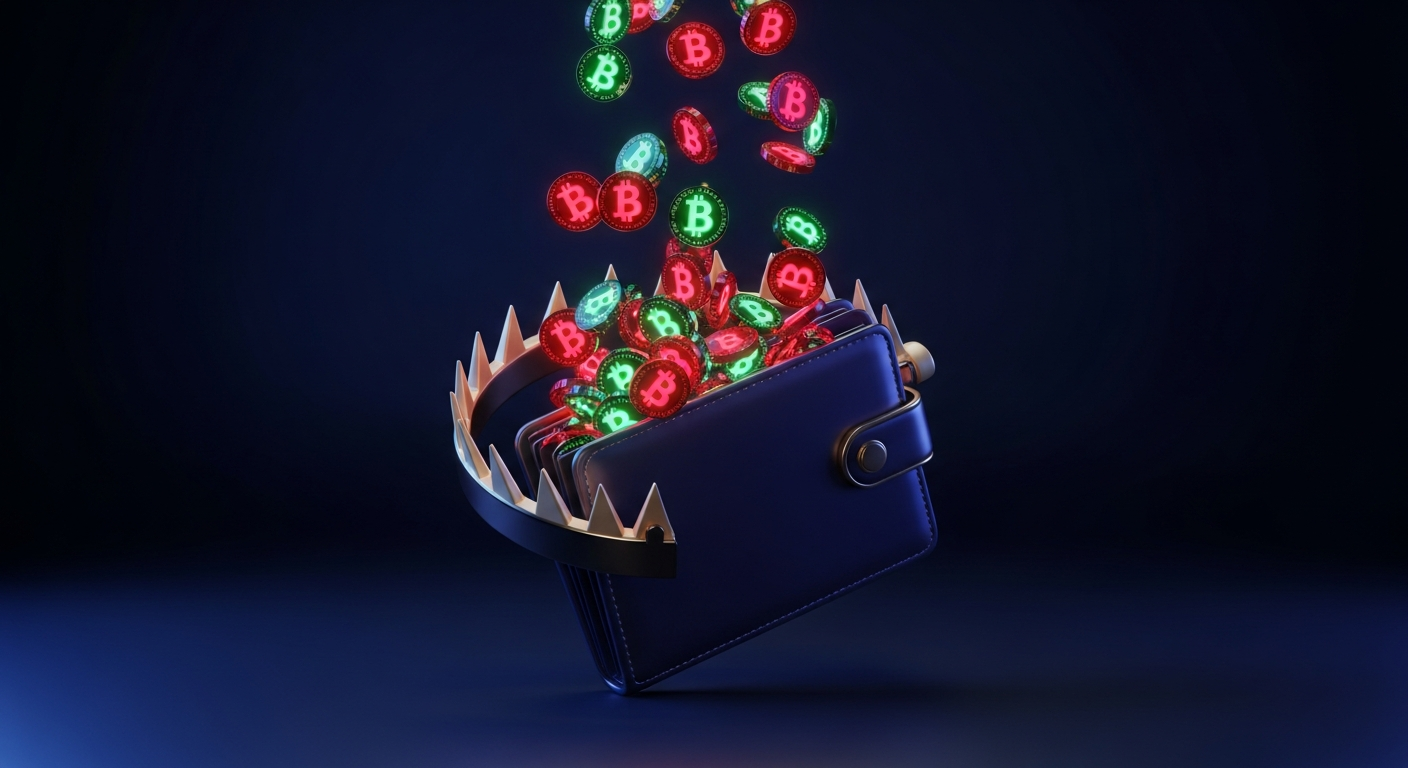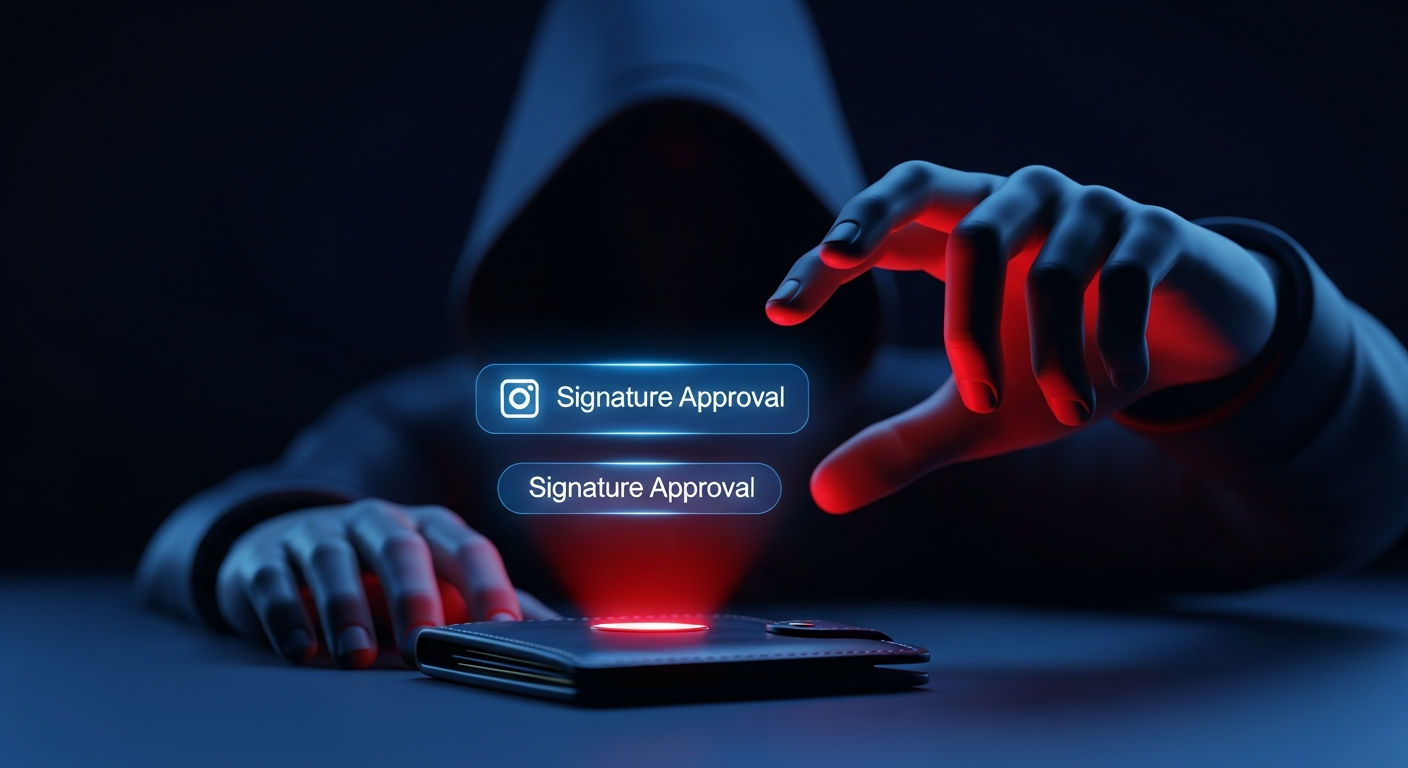
You connect your wallet to a shiny new site, click a button, and approve a prompt without reading it. Nothing seems to happen. Hours or even weeks later, your tokens are gone. You were not hacked in the movie sense, no one stole your seed phrase. Instead, you handed an attacker permission to move your funds, and they collected when it suited them.
This is approval phishing, and it is one of the most common ways people lose assets on EVM chains today. It exploits a normal and necessary feature of smart contracts: the ability to grant another contract permission to spend your tokens. The danger is not the feature itself but how easily a deceptive interface can convince you to grant far more access than you intended.
This guide explains what token approvals actually are, how attackers weaponize unlimited allowances and gasless Permit signatures, how to tell a message from a transaction in your wallet, and the concrete steps you can take to revoke dangerous permissions before they cost you.
What a token approval actually is
On EVM blockchains, tokens like USDC or DAI live in their own smart contracts, not in your wallet directly. Your wallet just holds the keys that prove you control a balance. When an app such as a decentralized exchange needs to move your tokens on your behalf, it cannot simply reach in and take them. You must first grant permission.
That permission is called an approval. The most common form is the ERC-20 approve function, where you tell the token contract that a specific spender address is allowed to transfer up to a certain amount of your tokens. There are a few flavors you will encounter:
- approve on ERC-20 tokens, which sets an allowance for one spender up to a fixed number of tokens.
- setApprovalForAll on ERC-721 and ERC-1155 NFT contracts, which is far broader: it grants a spender permission to transfer every NFT you own in that collection, present and future.
- Permit and Permit2 signatures, a newer pattern that lets you grant an allowance by signing an off-chain message instead of sending an on-chain transaction, often with no gas cost to you.
Approvals are legitimate and unavoidable if you want to use most of DeFi. The problem is that the same mechanism that lets a trustworthy exchange swap your tokens also lets a malicious contract drain them.
How attackers abuse unlimited approvals
Many apps request an unlimited approval by default, setting the allowance to the maximum possible value. They do this so you never have to approve again, which is convenient. It also means the spender contract can move every token of that type in your wallet, forever, until you revoke it.
Attackers love this. A phishing site disguised as an airdrop claim, a mint, or a yield opportunity will present an approval prompt that looks routine. If you approve, the spender address in that transaction is controlled by the attacker. The drain does not have to happen immediately. The attacker can wait until your balance grows, or until many victims have approved, then sweep everyone at once.
Because the malicious transfer is technically authorized by an approval you signed, it does not look like an exploit to the token contract. From the chain's perspective, you gave permission. This is why approval phishing is so effective: the theft is a normal, valid transaction.
The same logic applies to setApprovalForAll on NFTs. One careless approval on a fake marketplace can hand over an entire collection, including pieces you have not even bought yet.
Gasless Permit signatures and why they are dangerous
The Permit and Permit2 standards were created to improve user experience. Instead of paying gas for a separate approval transaction, you sign a message off-chain that authorizes an allowance. The receiving app then submits that signature on-chain when it needs to spend.
This is powerful and convenient, but it changes the threat model. A Permit signature is just data you sign with your key. It does not appear in a block explorer as a pending approval, and it usually costs nothing, so it feels harmless. There is no transaction to inspect on-chain before damage is done.
An attacker can craft a Permit request that names their own address as the spender, sets the amount to your full balance, and uses a long deadline. If you sign it, they hold a valid voucher to drain that token whenever they choose. Because the signing happened off-chain, you may never see a warning that funds are at stake until they are already gone.
- A regular approval transaction is visible on-chain and can sometimes be caught before confirmation.
- A Permit signature is invisible until redeemed, which can be much later.
- Permit2 in particular can batch approvals across many tokens, so a single signature may expose more than one asset.
The lesson is simple: a signature request is not automatically safe just because it does not ask for gas. Off-chain signatures can be every bit as dangerous as transactions.
Message vs transaction: reading your wallet prompt
Your wallet shows two fundamentally different kinds of requests, and knowing which is which is one of the most useful skills you can build.
A transaction changes state on-chain and costs gas. Your wallet will show a network fee, a contract address you are interacting with, and often a decoded action such as Approve or Transfer. You can usually inspect the spender and the amount before confirming.
A signature request asks you to sign data with your private key. There is typically no gas fee. Some signatures are harmless, such as proving wallet ownership to log into a site. Others, like Permit, Permit2, or an order on a marketplace, authorize the movement of value. Modern wallets try to decode these, showing fields like spender, token, value, and deadline.
When reading a prompt, slow down and check:
- Is this a transaction or a signature? If it is a signature, what type is it?
- What is the spender address, and do you recognize it as the app you intended to use?
- What is the amount or allowance? Is it your full balance or an unlimited value?
- Does the action match what you clicked? Logging in should not require a Permit.
If a simple action like connecting or claiming suddenly asks for a token approval or a Permit signature, treat that mismatch as a warning sign.
increaseAllowance and address-poisoning tie-ins
Attackers do not only rely on the basic approve function. The ERC-20 standard also includes increaseAllowance, which raises an existing allowance rather than overwriting it. Some phishing flows use this to quietly bump up permissions, and because the function name sounds technical and benign, victims approve it without realizing what it grants.
Approval phishing also pairs well with address poisoning. In an address-poisoning attack, the scammer sends you a tiny or zero-value transfer from an address engineered to look almost identical to one you use often, matching the first and last characters. Later, when you copy an address from your transaction history, you may grab the poisoned one by mistake.
Combine the two and the danger compounds: a victim who is already conditioned to trust a familiar-looking address may approve or send funds to a contract they never meant to interact with. Always verify the full address, not just the leading and trailing characters, and never copy destinations from your history without checking them character by character.
Revoking approvals and limiting your exposure
Every approval you have ever granted stays active until you revoke it or set it to zero. Over months of using different apps, most active users accumulate dozens of standing allowances, many of them unlimited, to contracts they no longer use. Each one is a door left unlocked.
You can revoke an approval by sending a transaction that sets the allowance for that spender back to zero, or by using a reputable approval-management tool that lists your active allowances and lets you revoke them. Revoking costs gas, but it is far cheaper than losing your balance.
Make revocation a regular habit rather than a one-time cleanup. Review your approvals periodically, especially after interacting with new or experimental apps, and remove anything you do not actively need. For Permit2 and similar systems, check the approvals registered there as well, since they live in a separate contract from classic ERC-20 allowances.
Limiting exposure up front helps too. When an app offers a choice, approve only the amount you need for the current action instead of an unlimited allowance. You will approve more often, but each approval risks only a small, defined amount.
Red Flags to Watch For
- ✕A simple action like connecting or claiming an airdrop suddenly triggers a token approval or Permit signature request.
- ✕The approval prompt requests an unlimited or maximum allowance rather than the specific amount you intend to spend.
- ✕A signature request names a spender address you do not recognize or that does not match the app you are using.
- ✕You are asked to sign a Permit, Permit2, or setApprovalForAll request on a site you reached through a link, ad, or direct message.
- ✕The site pressures you with urgency, a countdown, or a limited-supply claim to make you approve quickly.
- ✕A function called increaseAllowance appears in a prompt for an app where you did not expect to grant any spending permission.
- ✕A familiar-looking address in your transaction history came from a tiny or zero-value transfer you did not initiate.
- ✕Your wallet or a transaction simulator warns that the request could transfer or approve assets, and the warning does not match your intent.
How to Protect Yourself
- ✓Revoke unused token approvals regularly using a reputable approval-management tool, and treat it as routine maintenance.
- ✓Prefer approving only the specific amount you need for an action instead of accepting an unlimited or maximum allowance.
- ✓Verify the exact contract or spender address you are approving, checking the full string rather than just the first and last characters.
- ✓Never sign a Permit or Permit2 request you did not deliberately initiate, and be suspicious of any gasless signature that touches value.
- ✓Use a hardware wallet so that approvals and signatures must be confirmed on a separate device you physically control.
- ✓Simulate transactions and signature requests with wallet features or tools that preview the outcome before you confirm.
- ✓Keep high-value funds in a separate wallet that you rarely connect to apps, and use a small, low-risk wallet for experimental sites.
- ✓Slow down on every prompt: confirm whether it is a transaction or a signature, and make sure the action matches what you clicked.
Frequently Asked Questions
If a malicious approval did not move my tokens yet, am I already at risk?+
Yes. An approval grants standing permission that the spender can use at any time, so an attacker who holds a malicious allowance can drain the approved token whenever they choose, including long after you signed. Revoke it as soon as you suspect a bad approval rather than waiting to see if funds move.
How can a gasless signature be dangerous if it does not cost anything?+
A Permit or Permit2 signature authorizes an allowance off-chain. It does not cost gas to create, but the attacker can submit it on-chain later to move your tokens. The lack of a fee makes it feel harmless, which is exactly why it is effective. Never assume a signature is safe just because there is no network fee.
Does revoking an approval get my stolen funds back?+
No. Revoking only removes future permission for a spender. If tokens were already transferred under an existing allowance, revoking cannot reverse those transfers. Its value is preventive: it closes the door before more can be taken, so revoke promptly and review your approvals before anything is drained.
Is setting an unlimited approval ever acceptable?+
It can be reasonable for a well-known, audited contract you use constantly, since it saves repeated approvals. But it concentrates risk, because that one allowance can move your entire balance of the token. When in doubt, approve only the amount you need, and reserve unlimited approvals for contracts you genuinely trust.
This guide is general educational information, not financial, legal, or security advice. Crypto transactions are irreversible — always do your own research and verify independently before acting.